
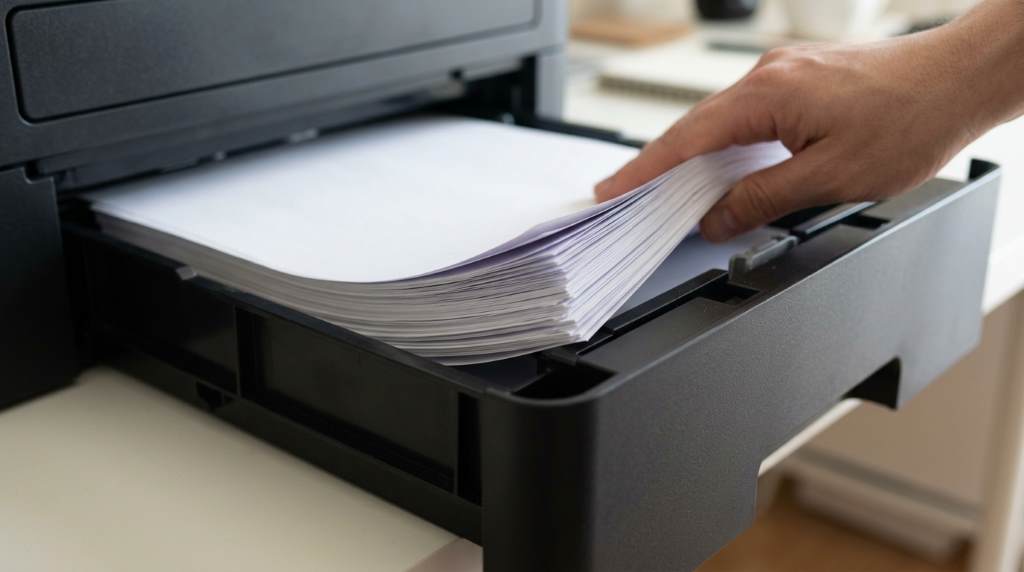
Printer issues can interrupt work, waste paper, and reduce productivity across busy offices and home workspaces. Studies suggest that paper handling problems rank among the most common printer service requests. Many users experience printer paper feed problems because of poor maintenance, unsuitable paper, or environmental conditions. Understanding the causes helps prevent downtime while keeping every print job smooth and reliable.
How Phoenix Conditions Affect Printer Performance
Phoenix has a dry climate that influences paper quality and printer components throughout the year. Low humidity often increases static electricity, making several sheets stick together during printing.
Dust also enters offices through doors, windows, and ventilation systems with surprising speed. Therefore, regular cleaning becomes essential, especially when following office healthy and hygienic practices that reduce airborne particles around sensitive equipment.
Temperature changes may affect rubber rollers that move paper through the printer path. As a result, worn rollers lose grip and increase the chance of repeated paper misfeeds.
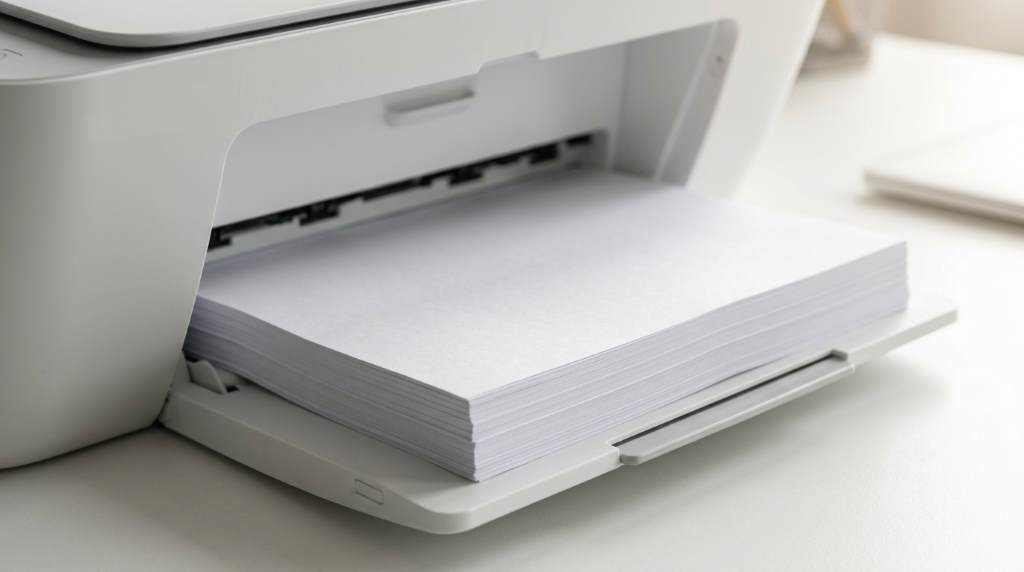
Common Reasons Printers Misfeed Paper
Dirty Feed Rollers
Feed rollers gradually collect dust, paper fibers, and toner residue during daily printing activities. Consequently, dirty rollers struggle to grab paper correctly and often pull multiple sheets together.
Incorrect Paper Loading
Many users overload paper trays or insert paper without proper alignment guides. Even slight misalignment can force paper into the printer at an uneven angle.
Poor Quality Paper
Low quality paper creates extra dust and curls more easily under changing temperatures. Better paper usually improves feeding consistency while reducing internal contamination.
Moisture Changes
Although Phoenix stays dry, improperly stored paper still absorbs limited moisture from indoor environments. That change may cause paper edges to curl or separate unevenly.
Worn Printer Parts
Pickup rollers, separation pads, and internal gears wear naturally after thousands of printed pages. Eventually, these components fail to move paper with consistent pressure.
Signs Your Printer Needs Maintenance
Repeated jams often signal a mechanical problem instead of simple user error during printing. Therefore, addressing early warning signs prevents expensive repairs and unnecessary frustration.
If your printer produces unusual noises while feeding paper, inspect it immediately for damage. Additionally, reviewing office fire risk factors encourages safer equipment placement and routine maintenance habits.
Another warning sign appears when several sheets feed together during one printing task. Frequent skewed pages also indicate worn rollers or damaged paper guides inside the printer.
Practical Ways to Prevent Paper Misfeeds
Preventive maintenance remains the easiest way to avoid recurring printer feeding issues every month. Small habits often protect equipment more effectively than expensive replacement parts.
- Clean feed rollers using approved cleaning materials.
- Store paper inside sealed packaging before use.
- Adjust paper guides snugly without bending sheets.
- Use recommended paper weight for your printer.
- Remove damaged or folded paper immediately.
- Fan paper gently before loading large stacks.
- Avoid mixing different paper sizes together.
Meanwhile, offices upgrading equipment should also consider the best budget office projector when planning dependable workplace technology that supports daily productivity.
Best Paper Storage Tips
Paper quality directly affects feeding performance regardless of printer brand or model. Proper storage protects every sheet from bending, dust, and unexpected environmental damage.
- Keep paper inside its original wrapper until needed.
- Store paper on flat shelves instead of leaning stacks.
- Avoid placing paper near heating or cooling vents.
- Protect unused paper from direct sunlight.
- Rotate older paper before opening new packages.
How Dust Causes Paper Feeding Problems
Dust remains one of the biggest hidden threats to reliable printer performance in Phoenix. Tiny particles settle inside feed rollers and sensors after only a short period.
As buildup increases, sensors may incorrectly detect paper movement during printing operations. Consequently, the printer pauses unexpectedly or reports false paper jam errors.
Routine cleaning keeps sensors accurate while extending the lifespan of moving internal components. This simple habit reduces maintenance costs and improves overall printing reliability.
When You Should Replace Printer Rollers
Cleaning cannot solve every feeding issue once rubber rollers become permanently worn. Manufacturers usually recommend replacement after heavy printing cycles depending on the printer model.
Visible cracks, smooth roller surfaces, or reduced grip indicate replacement becomes necessary. Installing fresh rollers restores proper traction and reduces repeated paper jams.
Should You Repair or Replace Your Printer?
Older printers sometimes require frequent repairs that exceed their practical value over time. Compare repair costs with the price of a newer, more efficient printer.
If replacement parts remain affordable, repairing the printer often makes financial sense. However, repeated failures usually indicate that upgrading offers better long term reliability.
Simple Monthly Maintenance Checklist
Following a regular maintenance routine helps prevent unexpected interruptions throughout the year. Consistency matters more than complicated maintenance procedures.
- Inspect feed rollers for dust accumulation.
- Clean paper trays with a soft cloth.
- Check paper guides for proper adjustment.
- Remove paper scraps inside the printer.
- Print a test page after cleaning.
- Replace worn components when necessary.
Conclusion
Printer misfeeds rarely happen without an underlying cause that users can identify and correct. Regular cleaning, quality paper, and proper storage significantly reduce frustrating interruptions during daily printing.
Start a simple maintenance routine today to protect your printer, improve print quality, and extend equipment life. Small preventive steps save valuable time while reducing repair expenses over the long term.
Frequently Asked Questions
Why does my printer keep pulling multiple sheets?
Dirty or worn feed rollers usually cause multiple sheets to feed together.
Can dusty air damage printer rollers?
Yes, dust reduces roller grip and increases paper feeding problems.
Does paper quality affect printer performance?
Yes, poor quality paper creates dust and feeds less consistently.
How often should printer rollers be cleaned?
Clean the rollers every few months or after heavy printer use.
Should I replace my printer after repeated paper jams?
Replace it only when repair costs exceed the printer’s long term value.